
Dictation Devices
Connect a Philips SpeechMike or Nuance PowerMic, and what each button does
You can dictate with any microphone your computer recognizes. To use the buttons on a dictation device, such as record and next field, connect it in MD.ai Reporting.
Supported devices
| Brand | Models |
|---|---|
| Philips | SpeechMike Premium (LFH3500, 3510, 3520, 3600, 3610), Premium Touch (SMP3700, 3710, 3720, 3800, 3810), Premium Air (SMP4000, 4010), SpeechMike Ambient (PSM5000), SpeechOne (PSM6000) |
| Nuance | PowerMic III, PowerMic 4 |
Use Google Chrome or Microsoft Edge. Other browsers can't connect to dictation devices.
Connect a device
Close other dictation software
Quit PowerScribe, Fluency, Dragon and similar apps. They can take control of the device.
Choose the microphone
Plug in the device. In User Settings, under Voice and Dictation, choose it as your Microphone. Don't leave it on your computer's built-in microphone.
Connect the buttons
Next to Dictation Device, click Connect. Choose the device in the browser's pop-up and click Connect. When it's connected, the setting shows the device instead of Connect.
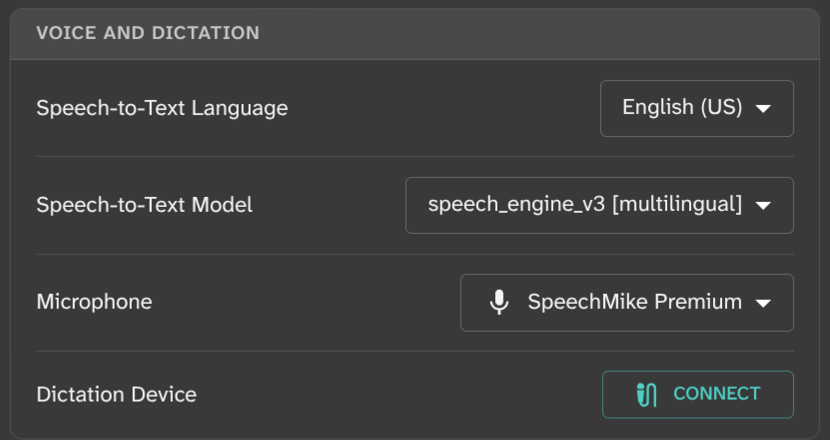
You only need to connect once. If the device isn't connected when you open a report, you're asked to reconnect it: click Connect Device.
Button presses are ignored while MD.ai Reporting is in a background tab, so other apps can use the device. To stop using it in MD.ai Reporting, click Disconnect.
Remote desktops
If you use MD.ai Reporting in Citrix or VMware, the device must be redirected to the remote session as a USB device, not only as a microphone. Ask your IT team.
Buttons
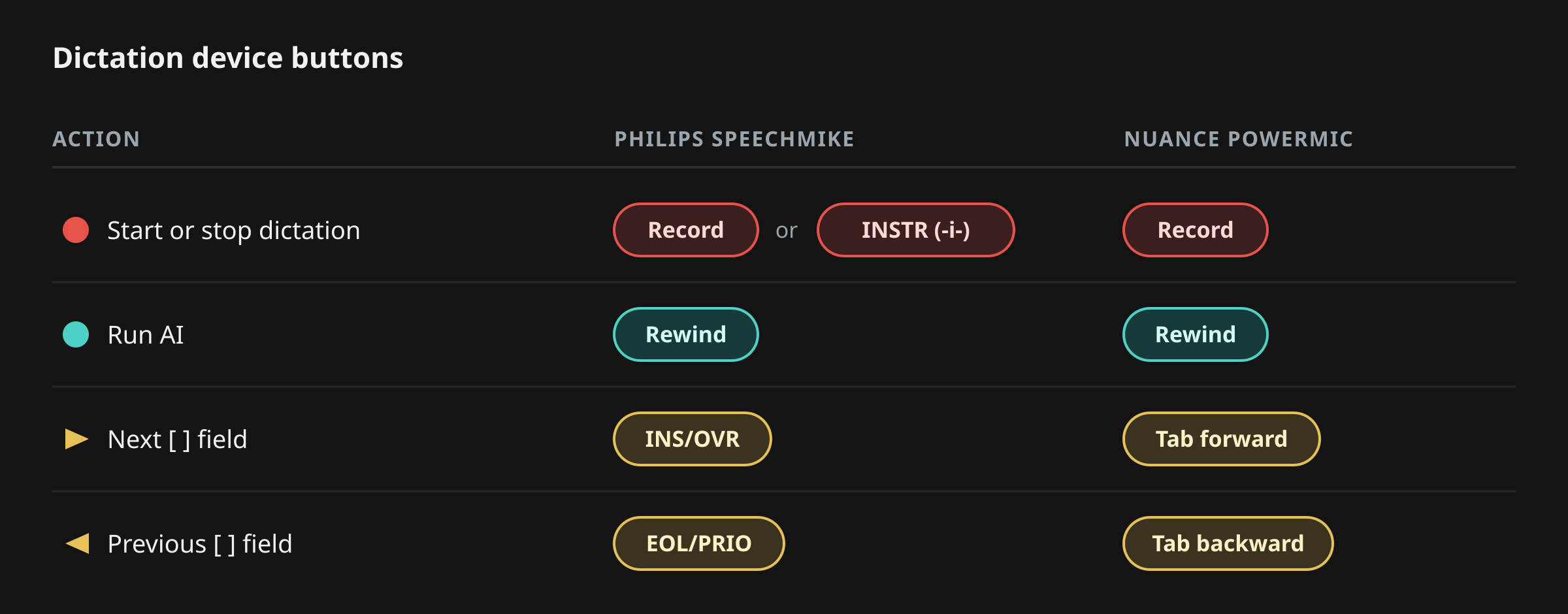
| Action | SpeechMike | PowerMic |
|---|---|---|
| Start or stop dictation | Record, or INSTR (-i-) | Record |
| Run AI | Rewind | Rewind |
Next [ ] field | INS/OVR | Tab forward |
Previous [ ] field | EOL/PRIO | Tab backward |
Other buttons aren't used. To sign, press Alt+F or say "sign report".
By default, the record button starts and stops dictation. To record only while you hold it, turn on Mic deadman switch in the report's More menu. See Push-to-talk.