
Example: Rule-Based Labeling
Use the model framework to label data from DICOM tags and pixel values, without machine learning
A "model" on MD.ai can be any Python code. Use this to label data with rules instead of a trained network: read DICOM tags for quick, noisy labels, or apply classic image processing. Outputs appear like any model's, and can be cloned into annotations.
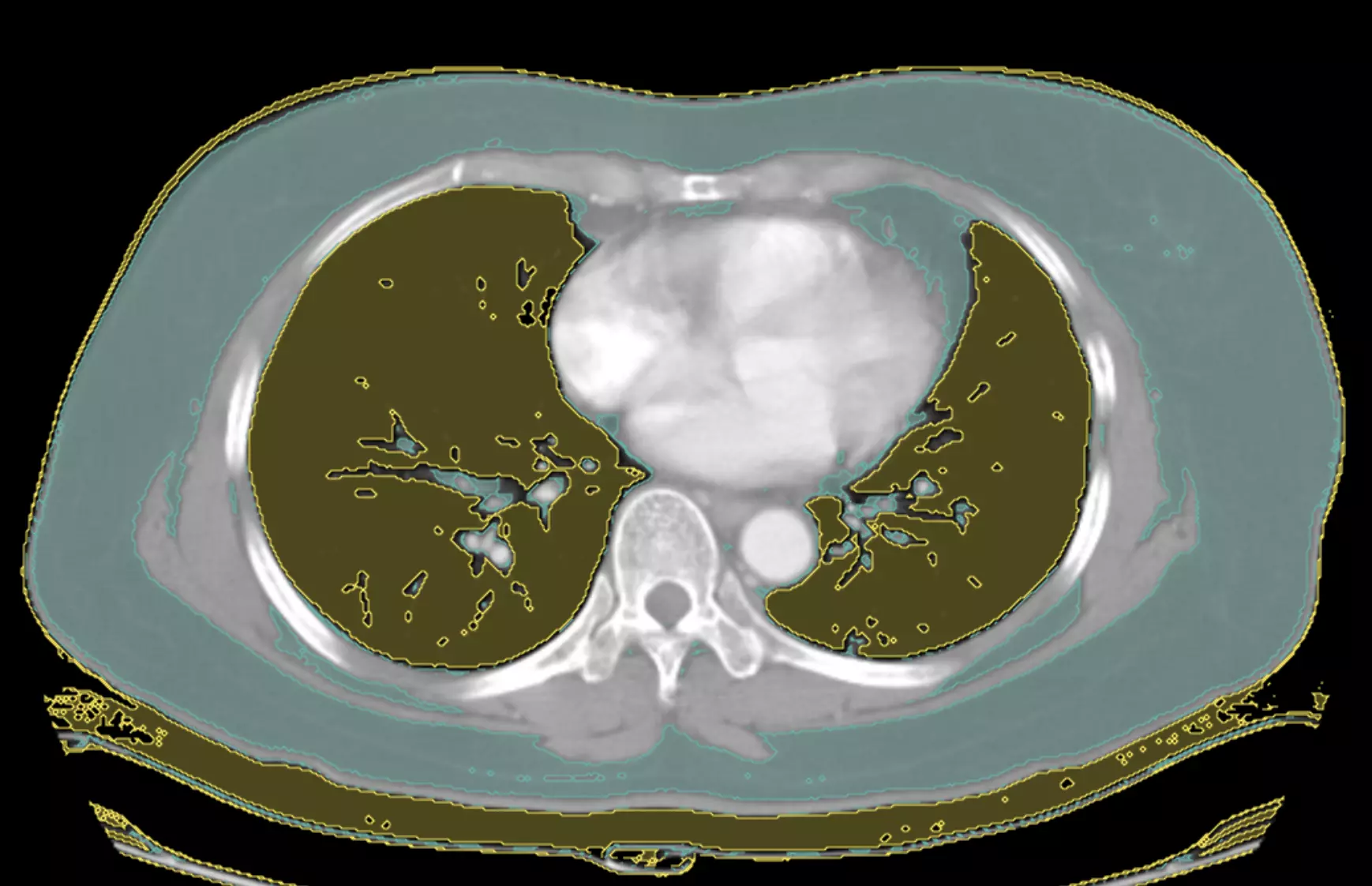
This example segments fat and lung on CT by thresholding Hounsfield units.
Set up
-
Create labels: two
Locallabels inMaskmode,FatandLung.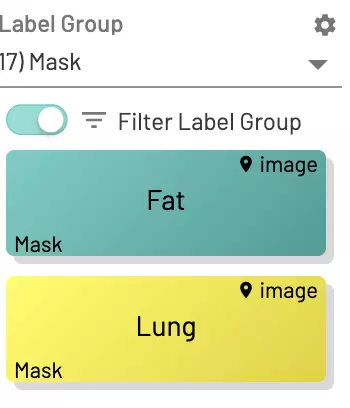
-
Create a model with
Imagescope, and mapFatto class0andLungto class1. -
When building the version, add four model args:
Fat Min,Fat Max,Lung MinandLung Max, with default HU values such as-190,-30,-1000and-400. Users can change them for each run.
mdai_deploy.py
from io import BytesIO

import pydicom
try:
    from pydicom.pixels import apply_modality_lut  # pydicom 3
except ImportError:
    from pydicom.pixel_data_handlers.util import apply_modality_lut  # pydicom 2


class MDAIModel:
    def __init__(self):
        pass  # nothing to load

    def predict(self, data):
        args = data["args"]
        thresholds = {
            0: (int(args["Fat Min"]), int(args["Fat Max"])),    # class 0: Fat
            1: (int(args["Lung Min"]), int(args["Lung Max"])),  # class 1: Lung
        }
        outputs = []

        for file in data["files"]:
            if file["content_type"] != "application/dicom":
                continue

            ds = pydicom.dcmread(BytesIO(file["content"]))
            if ds.get("Modality") != "CT":
                continue

            hu = apply_modality_lut(ds.pixel_array, ds)

            for class_index, (low, high) in thresholds.items():
                mask = (hu > low) & (hu < high)
                outputs.append(
                    {
                        "type": "ANNOTATION",
                        "study_uid": str(ds.StudyInstanceUID),
                        "series_uid": str(ds.SeriesInstanceUID),
                        "instance_uid": str(ds.SOPInstanceUID),
                        "class_index": class_index,
                        "data": {"mask": mask.astype(int).tolist()},
                    }
                )

        return outputs
Set device_type: cpu in config.yaml, and list pydicom and numpy in requirements.txt. The same approach works for any output type, such as boxes, outlines or global labels. See Model Interface.