Model Registry
Add ready-made models to your project
The Model Registry is a catalog of pretrained models maintained by MD.ai, ready to run on your data. Examples include mdai:pixel-deid for de-identification, lung segmentation, and TotalSegmentator. The models available depend on your deployment.
Only project admins can add models from the registry.
Add a model
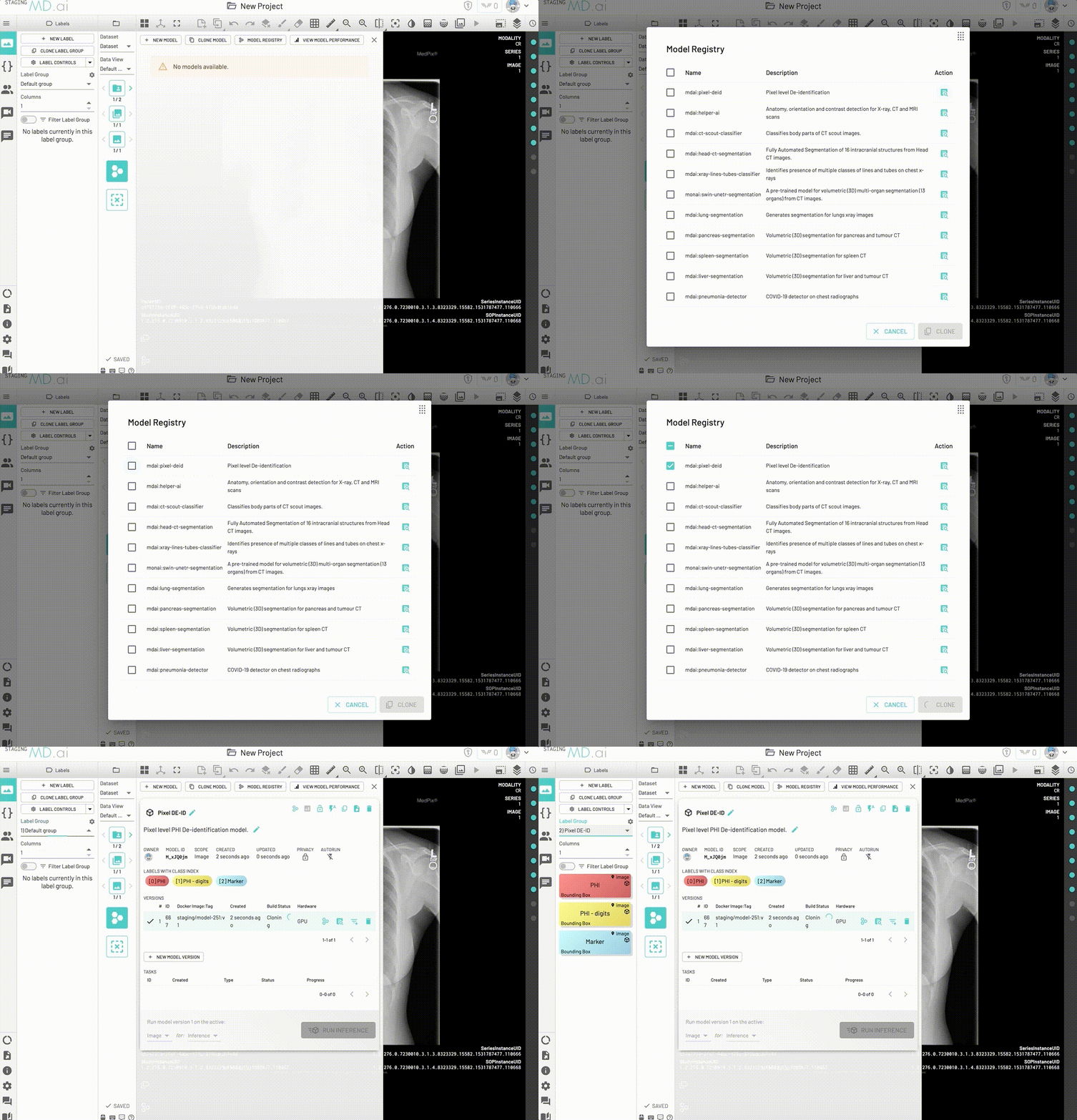
In the Models panel, click Model Registry.
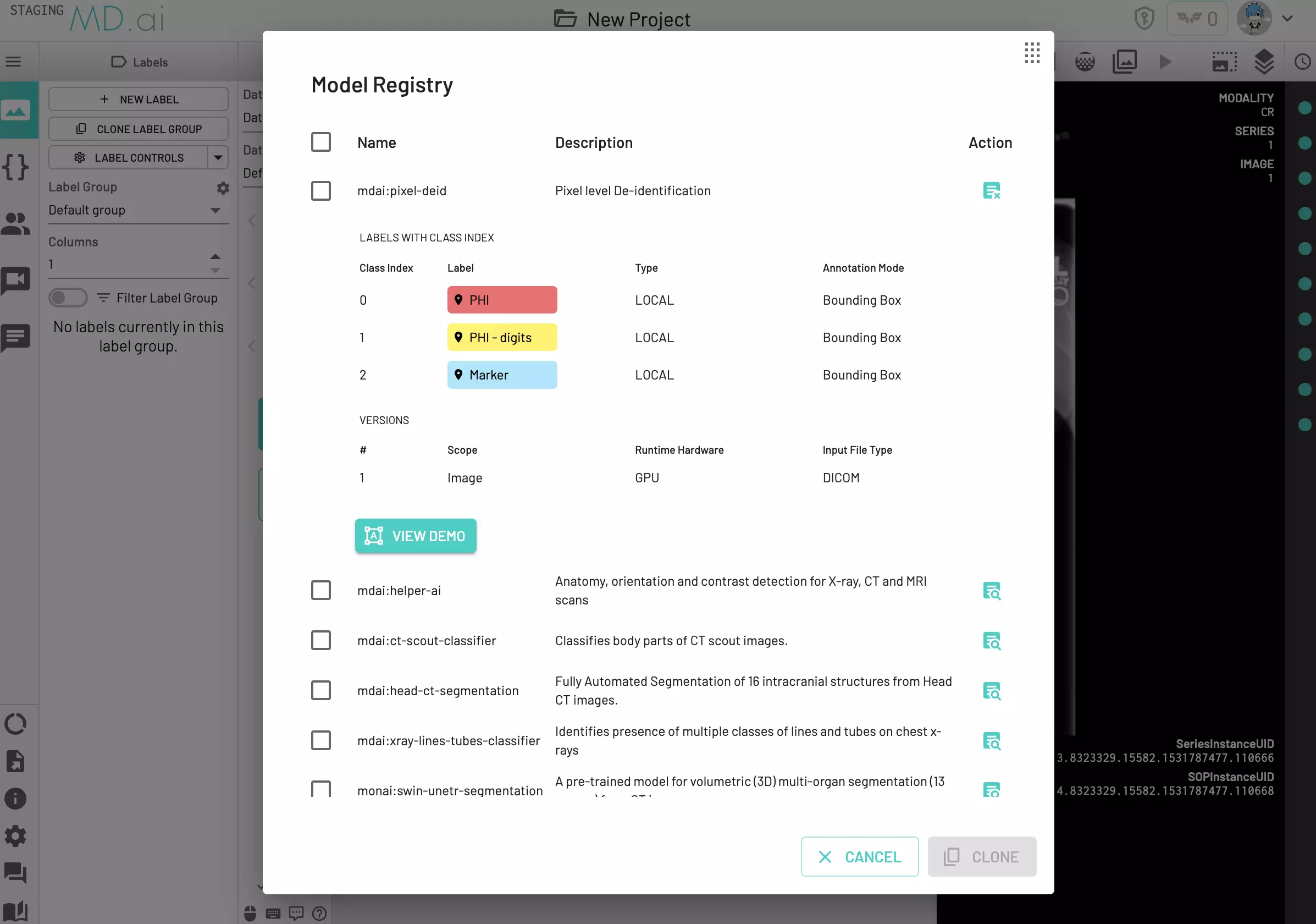
Select one or more models. Click Show Model Details to see a model's labels and versions, and View Demo, when available, to see it in a public project.
Click Clone.
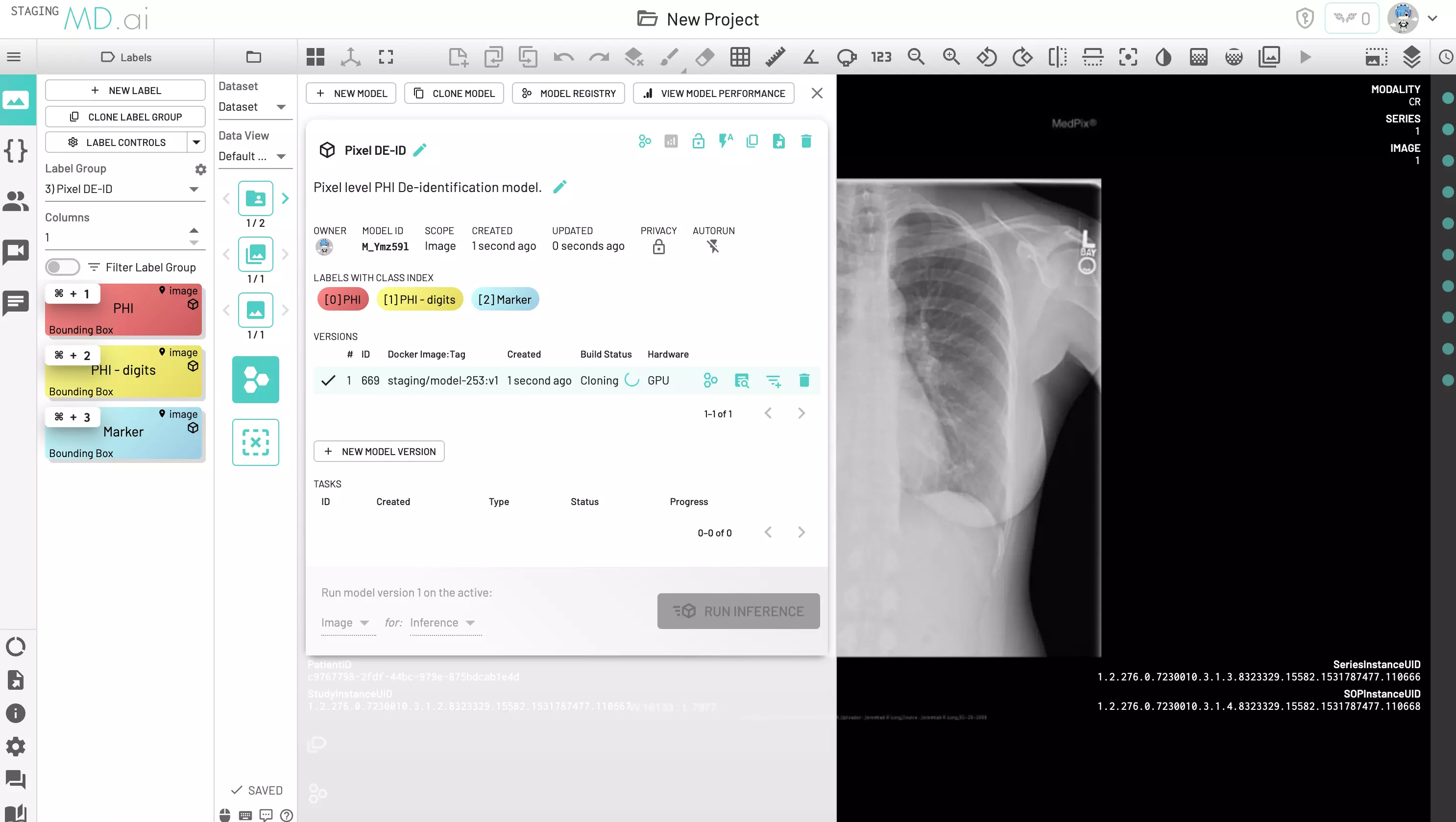
The model is ready to run right away. Its labels are added to a new label group named after the model, and it takes the project's privacy setting.
You can also add registry models with the CLI: mdai model create.
Get new releases
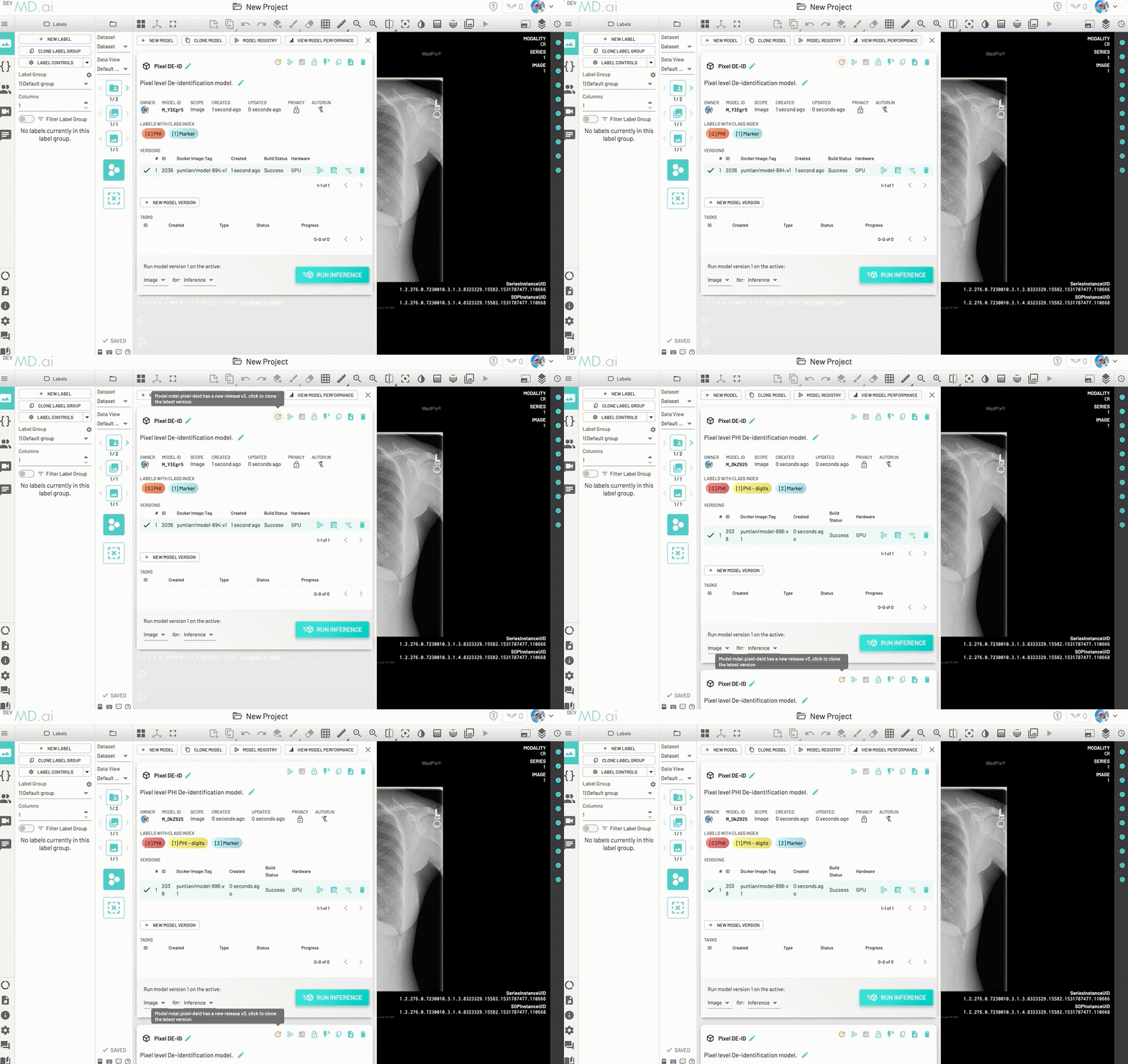
When MD.ai releases a new version of a model you added, an icon appears on its model card: "Model … has a new release …, click to clone the latest version". Only the model's owner sees it, and it works only if the owner is a project admin.
Clicking it adds the new release as a new model, with its own label group. The existing model, and its outputs, stay as they are, so you can compare the two before removing the old one.