Model Performance
Evaluate a classification model against your annotations
For classification models, MD.ai compares model outputs with your annotations and plots the results: predictions, ROC and precision-recall curves, and a confusion matrix.
A model counts as a classification model when it has at least two label classes, and all its labels are global. Performance is measured against annotations made with the model's own labels, so annotate with the labels mapped to the model.
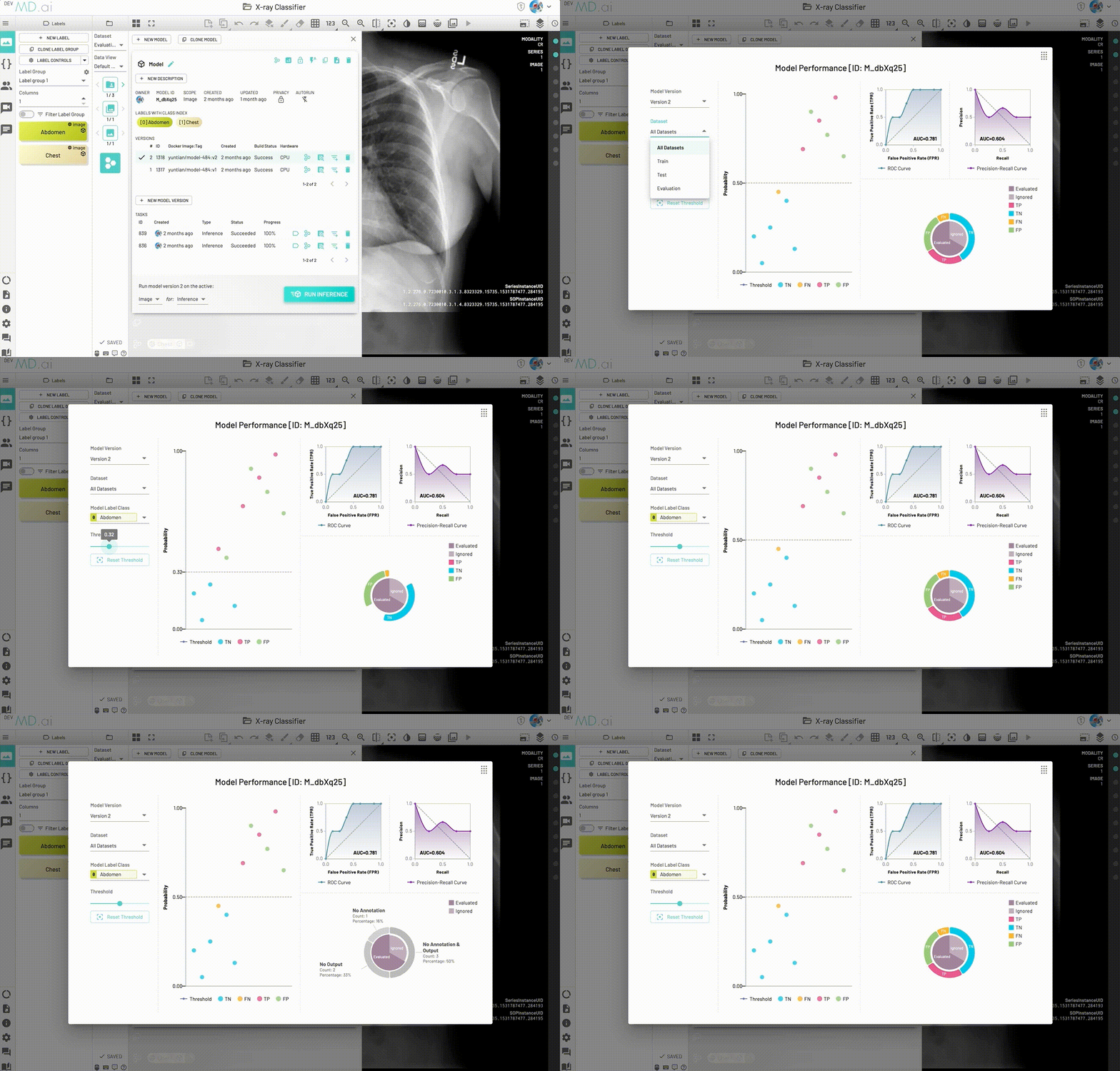
Open model performance
- For a model: expand the model card and click
Show Model Performance, or clickView Model Performanceat the top of theModelspanel and choose the model. - For one inference task: open the task's
Detailsand clickView Performance.
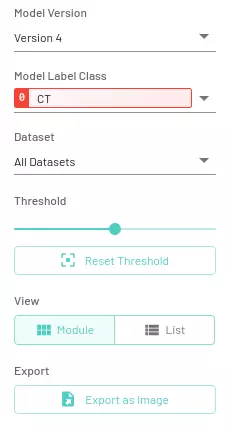
Settings
| Setting | Description |
|---|---|
Model Version | The version to evaluate. Defaults to the active version. |
Dataset | One or more datasets, or All Datasets (default). |
Model Label Class | The class to evaluate as positive. |
Threshold | The probability at or above which an output counts as positive, for the confusion matrix. Default 0.5; Reset Threshold restores it. You can also click a point on the ROC or precision-recall curve to use its threshold. |
View | Show the plots in a grid, or one at a time. |
Export as Image | Download the plots as a PNG. |
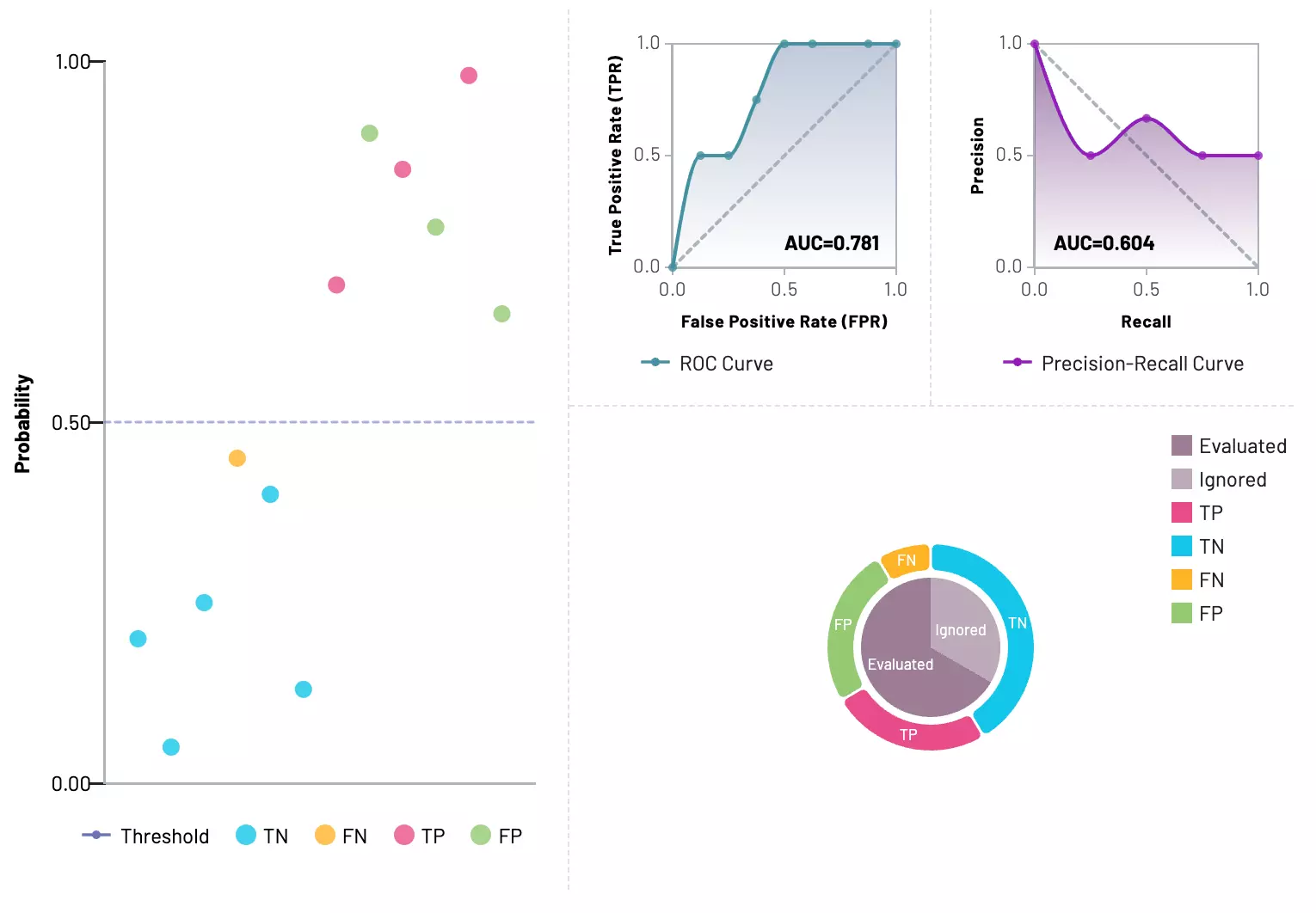
Plots
| Plot | Shows |
|---|---|
| Predictions | Each exam, series or image as a point, by its predicted probability |
| ROC | The ROC curve and its AUC |
| Precision-Recall | The precision-recall curve and its AUC |
| Metrics Summary | True and false positives and negatives at the threshold, and the items left out of the evaluation |
Curves are computed at 11 thresholds (0, 0.1, … 1), so AUCs are approximate.
Investigate errors
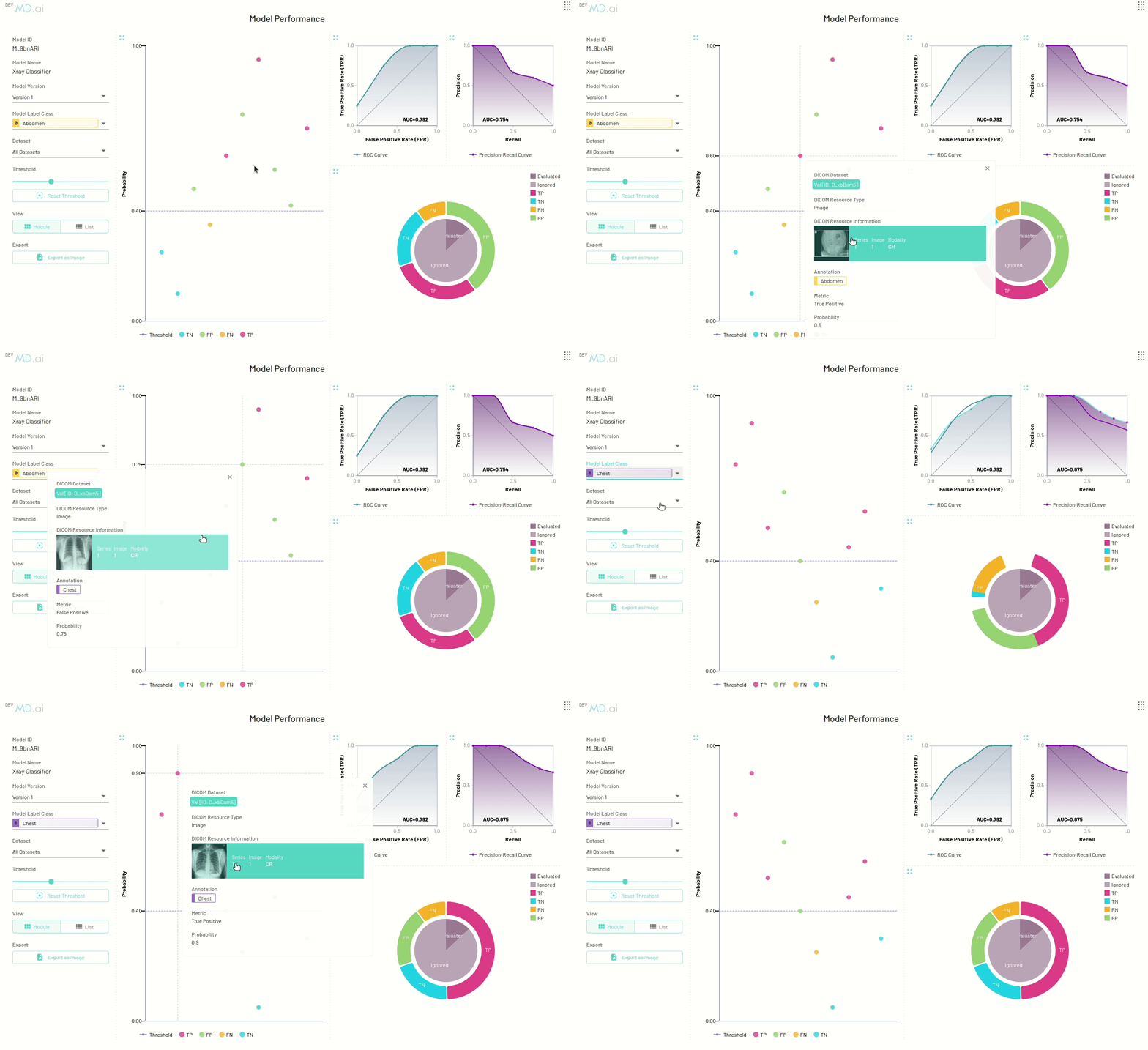
Hover over a point in the Predictions plot to see the item, its annotation, its probability and whether it's a true or false positive or negative. Click the dataset or the item to open it in the workspace.
Performance calculations
Each exam, series or image, at the scope of the selected label, is compared as follows.
Items left out. These items are counted under Ignored in the Metrics Summary instead of being evaluated:
No Annotation: the model produced an output, but nobody annotated the item.No Output: the item is annotated, but the model produced no output.No Annotation & Output: neither.
Outputs without a probability are also left out.
Several outputs for one item. If the same version ran more than once on an item, one of its outputs is used.
Several annotations for one item.
- For single-output models, which return at most one output per item, one annotation is chosen: the one with the most credit. If credit is tied, any one of them may be used, so use reviews to settle conflicts.
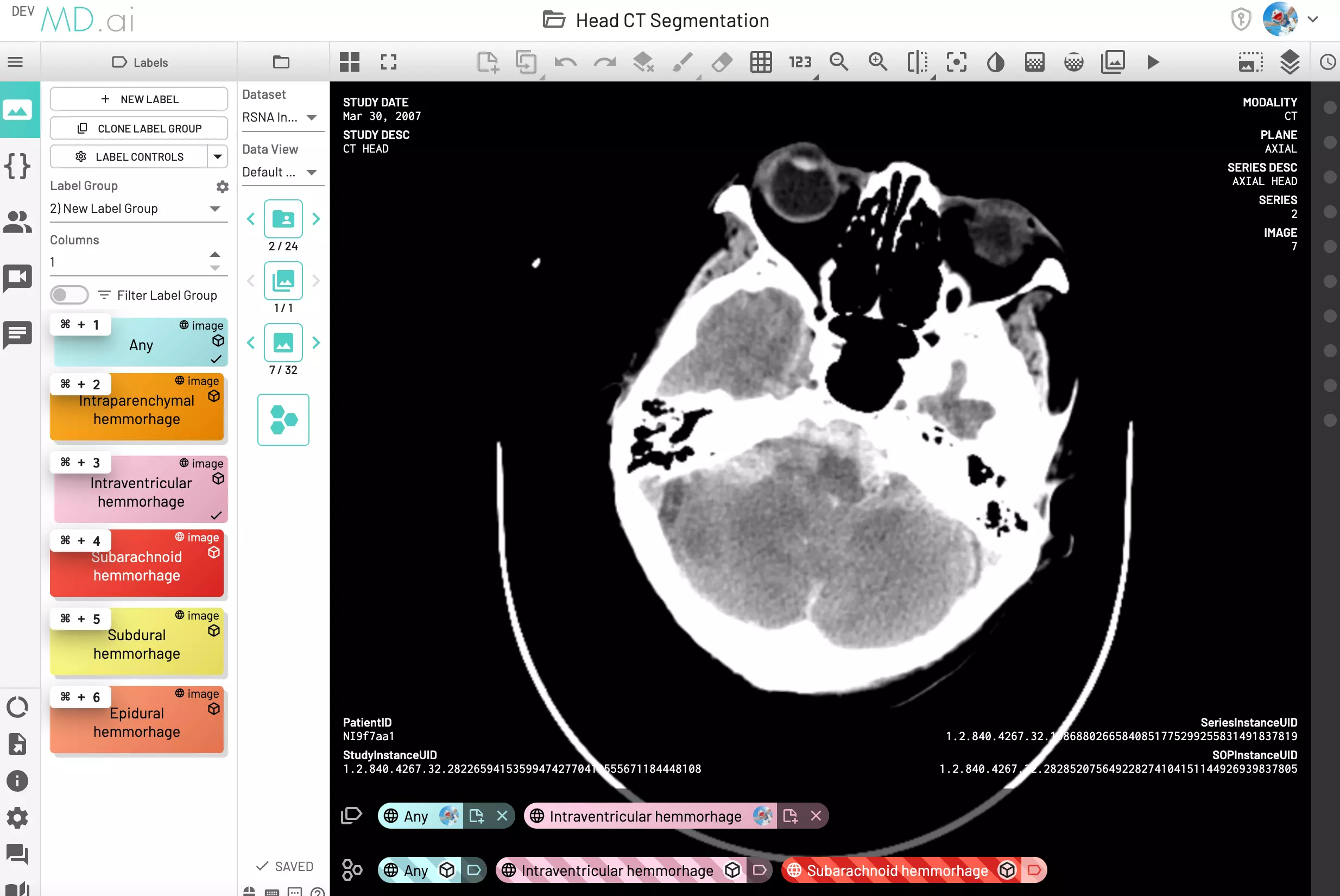
- For multi-output models, which can return several outputs per item, every annotation counts, once per label. For example, a model with outputs
Any,Intraventricular hemorrhageandSubarachnoid hemorrhage, on an image annotatedAnyandIntraventricular hemorrhage, scores:Anytrue positive,Intraventricular hemorrhagetrue positive,Subarachnoid hemorrhagefalse positive.
Annotation credit
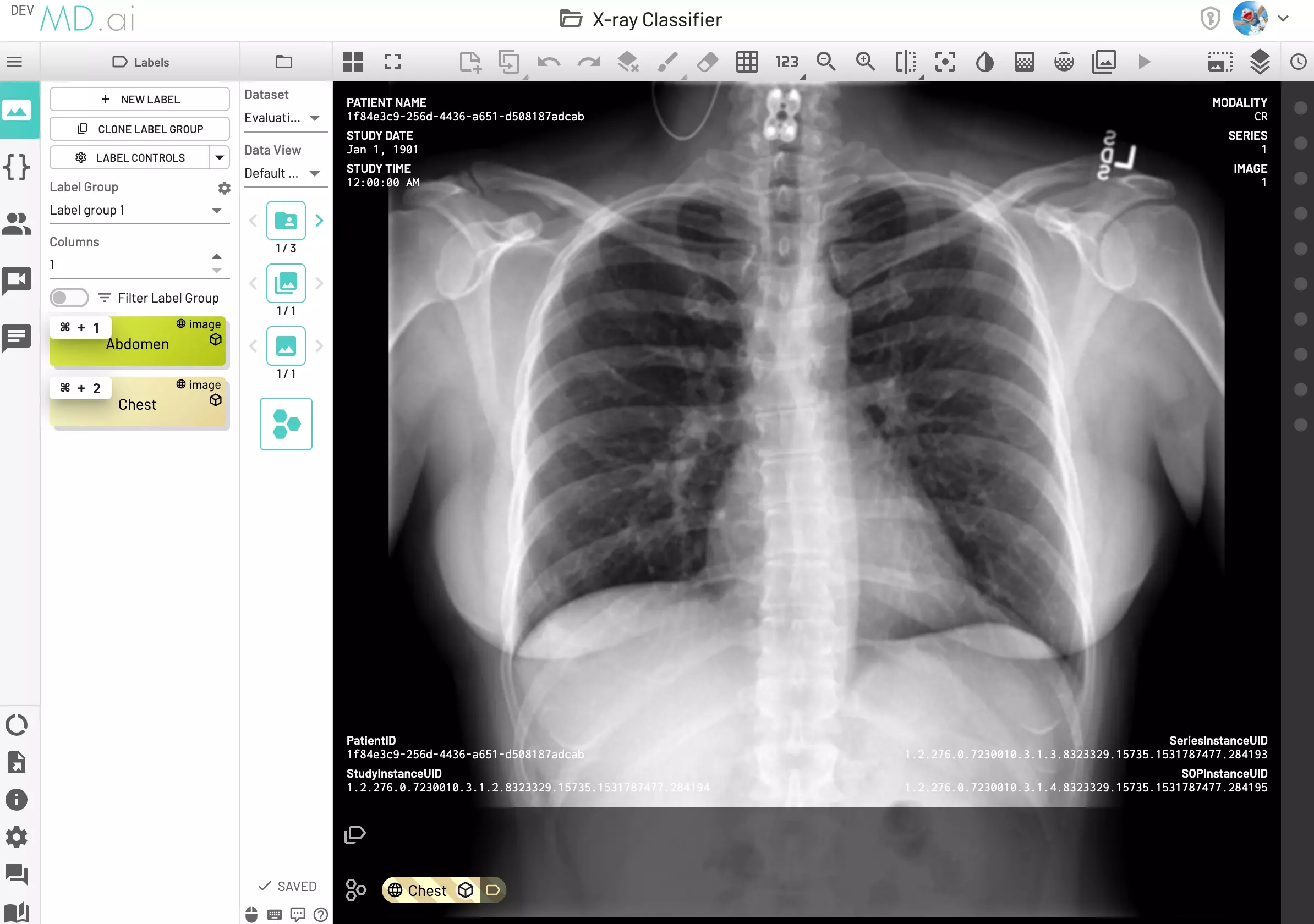
Credit comes from reviews: each thumbs up adds 1, and each thumbs down subtracts 1. Use reviews to settle conflicting annotations: in the example below, Chest has more thumbs up than the more recent Abdomen, so Chest is used.