
Notebooks
Share Google Colab notebooks with a project, and connect them to its data
Notebooks in the project sidebar collects Google Colab notebooks for the project, such as training scripts or analysis, so the team can find and launch them in one place.
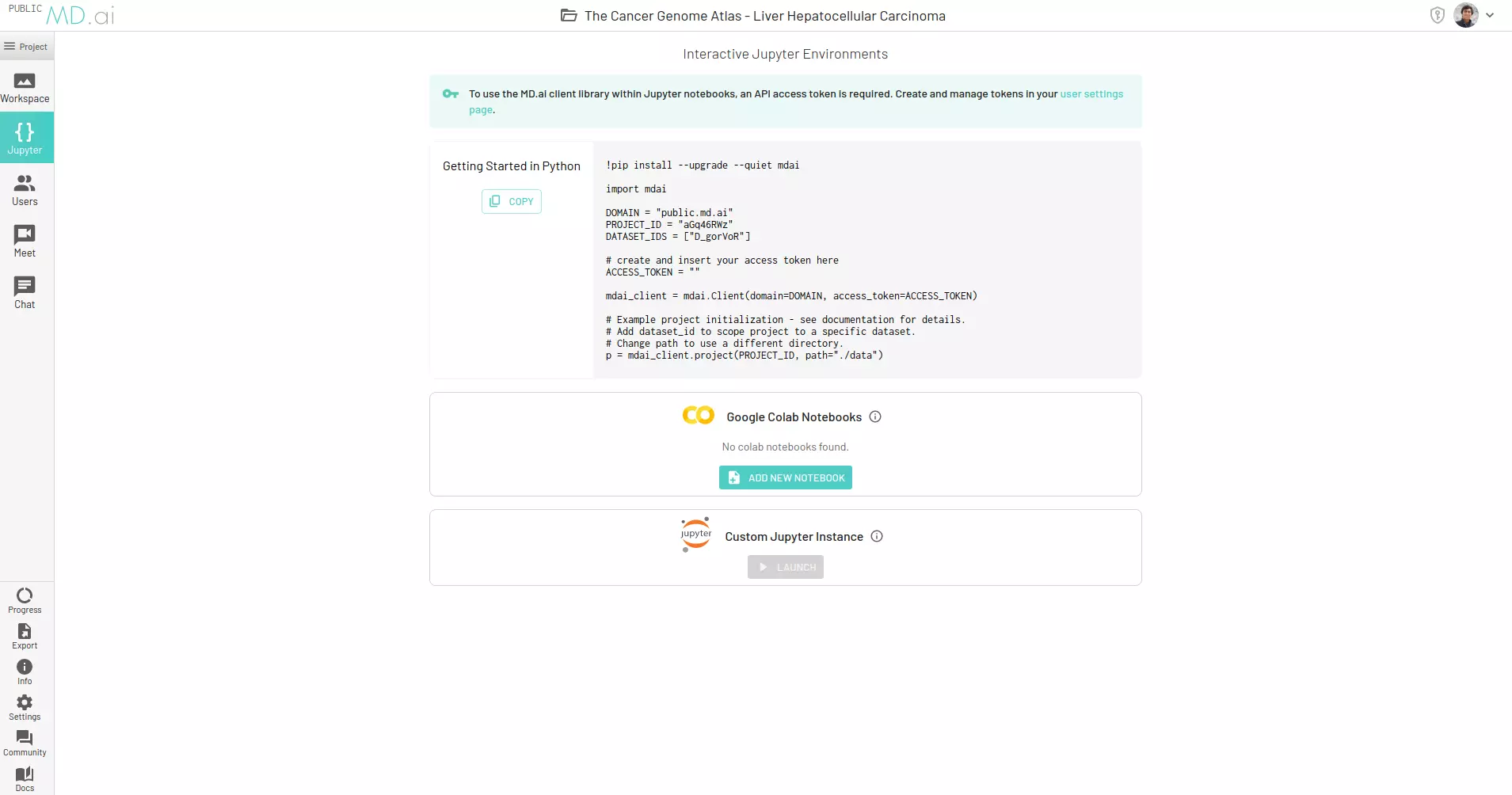
Connect a notebook to the project
The Getting Started in Python box gives you code to load the project's data with the Python client, with the domain, project ID and dataset IDs filled in. Click Copy and paste it into your notebook.
If you have an access token for the project, it's filled in too. Otherwise, add your own. Don't save tokens in notebooks you share.
Add a notebook
Writers, QA users and admins can add notebooks.
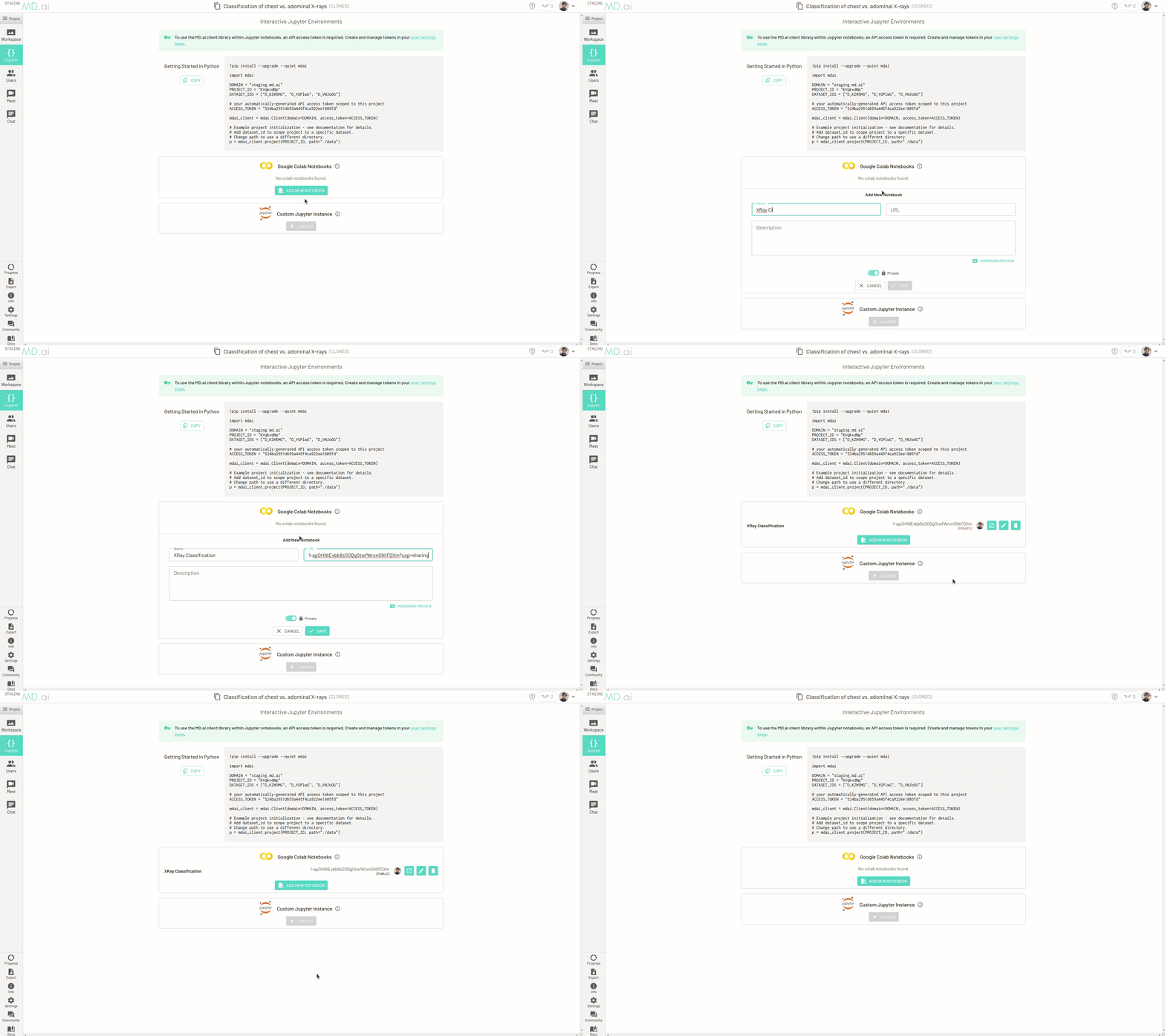
- Click to add a notebook, and enter its
Name, the ColabURL, and aDescriptionin Markdown. - Choose whether it's
Private. Private notebooks, the default, are visible only to you. Turn it off to share the notebook with the project.
Click Launch Notebook to open a notebook in Colab. Admins and the notebook's creator can edit and delete it.
When a project is cloned, its shared notebooks, and the cloning user's own private ones, are copied too.